


Different Types of Network Switches for Wholesale and Enterprise Use
Is your network slowing your business down? This blog discusses different types of network switches that prevent downtime, support growth, and keep every device connected smoothly, without costly errors or confusing technical choices.
Have you ever stood in the server room, heart pounding, watching the network blink red while your team groans because file sharing, VoIP, and every video call in the office just died?
That’s the crushing fear of unreliable connections, especially when you’re preparing for a big launch or reporting deadline! It’s the kind of technical stress nobody talks about until it happens, and suddenly, you need answers fast on types of network switches that won’t let you down.
In our years helping IT teams and resellers select the right gear, we know how confusing it feels to balance performance, budget, and reliability.
You’ve probably searched endlessly for network switches that offer the best mix of ports, power, and management without overspending.
Today, we’re breaking down real, practical info on the key types of network switches you can buy wholesale, from compact options to enterprise-grade units that keep even the busiest networks running smoothly.
Types of Network Switches You Should Know
Purchasing the right network switch is just a matter of choosing the right vehicle for a road trip. A compact hatchback cannot handle a rough mountain road, and a heavy-duty truck is not suitable for urban conditions. It is the same when selecting switches for your office, campus, or data centre.
1. Managed Gigabit Switches: Intelligent Management of Developing Networks.
Managed switches give you full control: VLANs, traffic prioritisation, monitoring, and security settings. These are perfect when your network isn’t just connecting computers; it’s also carrying phone, surveillance camera, and Ubiquiti access point traffic.
- Ubiquiti USW‑Pro‑24‑PoE: A 24-port managed switch with PoE and 10G SFP+ uplinks, ideal for offices that need both power and speed in a single unit.
- Ubiquiti USW-48-PoE: A 48-port device that is scalable, addressing traffic and numerous devices connected.
These switches allow you to filter traffic, control network performance, and ensure your users enjoy speed and security.
2. Compact and Edge Switches: Uncomplicated Reliable Connexion.
Not every space needs a full-blown managed switch. Labs, edges, closets, and small branches can be handled through small options that address simple networking.
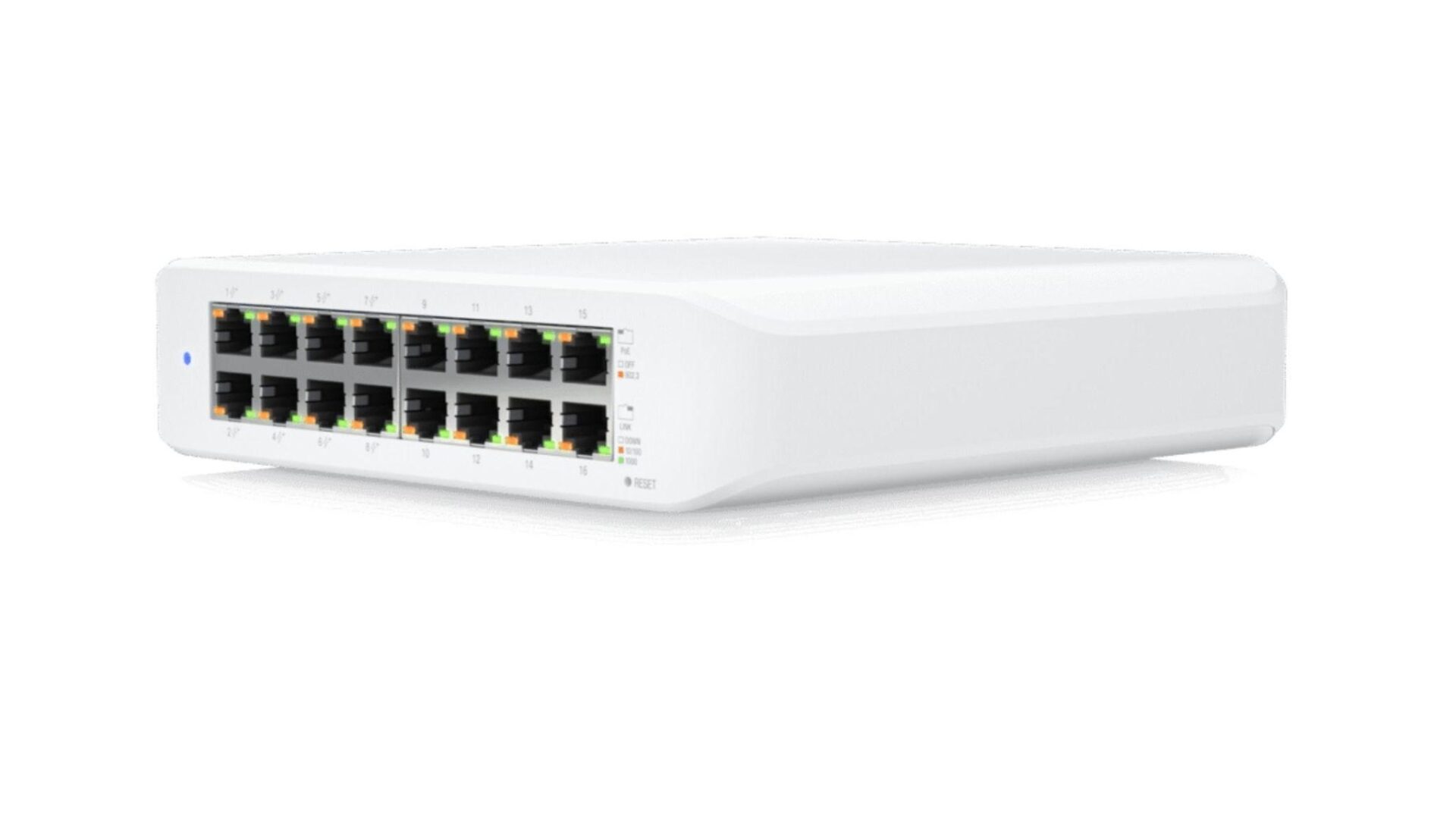
- Ubiquiti USW‑Lite‑16‑POE: A 16-port switch with PoE, silent fanless design, and ease of installation.
- Ubiquiti UniFi Switch Flex & Ubiquiti UniFi Switch Flex Mini: Great for small spaces and residential-style deployments with a few devices.
These are the options you choose when your network is growing and not in need of enterprise-grade capabilities. They are easy to install and enable the devices to speak without causing headaches.

3. PoE Switches: Power and Data Together
POE (Power over Ethernet) switches provide power and data over a single cable. If you’re deploying Ubiquiti access point units, IP phones, or PoE cameras, this simplifies installations and reduces cabling clutter.
Many models in the D K V catalog include PoE variants of the USW series, offering a range of PoE power budgets from small to full for dozens of devices.
Imagine setting up a dozen access points with one cable each instead of running separate power lines; that’s less work on site and fewer failure points down the road.
4. Layer 3 and Enterprise Switches: Backbone Strength
When you’re building a big office campus or a multi-location enterprise network, Layer 3 switches step in. They handle routing decisions, VLAN boundaries, and traffic segregation at the core of your LAN.
- Ubiquiti UniFi Switch Enterprise 24 PoE: Provides advanced features and high uplink processing.
These are the heavy-lifters. They maintain traffic flow between sections, remove bottlenecks, and avoid network slowdowns during peak load periods.
Why Choosing the Right Network Switch Matters?
Have you ever been in a situation where you’ve installed multiple Ubiquiti access points for seamless Wi-Fi, but video calls still drop even during lunch hour?
It may not be your wireless equipment; it may be that network switch that cannot sustain the load. With the right types of network switches, you avoid instability, ensure smooth data flow, and reduce unnecessary downtime for your team.
You want a working network, but not one you have to babysit constantly. Even if you’re buying network switches for a school, hotel, shop, or corporate campus, knowing the functional differences between switch types empowers you to make the right choice.
Conclusion
Choosing the right types of network switches doesn’t have to be stressful. It is about aligning your network needs, on the one hand, with the straightforward edge connectivity to the other end of enterprise routing with hardware that you can grow on, depend on, and sleep on. You can maintain business flexibility and reliability without loss with well-chosen models, such as the managed USW and PoE switch series.
You know which switches to use and how long each should be used; now it is time to act. Contact us to know more about switch models that will support your infrastructure objectives and drive your network. Restock your shelves, browse our catalogue to find options, and select the right switch models to upgrade your network next.
FAQs
What are the main types of network switches?
Network switches come in managed, unmanaged, PoE, and Layer 3 enterprise models. The choice depends on control needs, traffic size, and connected devices.
Do I need PoE switches if I use Ubiquiti access points?
Yes, PoE switches deliver both power and data over one cable, simplifying deployments of access points and PoE-based devices.
Can network switches improve Wi-Fi performance?
Absolutely! Bottlenecks often happen at the switch level. Upgrading to the right capacity and PoE support ensures fast, stable connectivity.
What’s the difference between managed and unmanaged switches?
Managed switches let you control VLANs, QoS, and security features. Unmanaged switches simply connect devices without advanced settings.